Shared context for
people and agents.
CreatorNotes keeps your notes, decisions, and evolving ideas connected and current, so every session builds on the same understanding.
Node 18+. Works in any terminal, including Codespaces and remote SSH.
Works with
and any agent with CLI or MCP access
See it work
Watch an agent build a canvas.
The problem
Your team moves fast.
Your context doesn’t.
AI helps your team produce more work in less time.
But the thinking behind that work rarely stays connected. Decisions get separated from evidence. Assumptions lose their source. The project keeps moving, but its memory falls behind.
The important thinking ends up split across
- Notes
- Chats
- Docs
- Meetings
- AI conversations
- Screenshots
- Half-finished ideas
- Threads nobody can trace
So every handoff starts with reconstruction instead of progress. People and agents have to rediscover what happened, reopen old questions, and rebuild context before they can do useful work.
Why did we decide this?
What evidence supports it?
What are we still assuming?
What changed since last time?
Can an agent pick up where you left off?
Most of the time you cannot answer without digging. CreatorNotes gives that thinking a place to live.
What it is
You already know artifacts.
Open any AI tool and your work lives in a list on the left: every conversation, stacked in the order it happened, and almost impossible to search. Artifacts were the first move to keep the part worth keeping. CreatorNotes is the version that lasts.
- Shareable
- Open it up with permissions, so the right people and agents can see it.
- Versioned
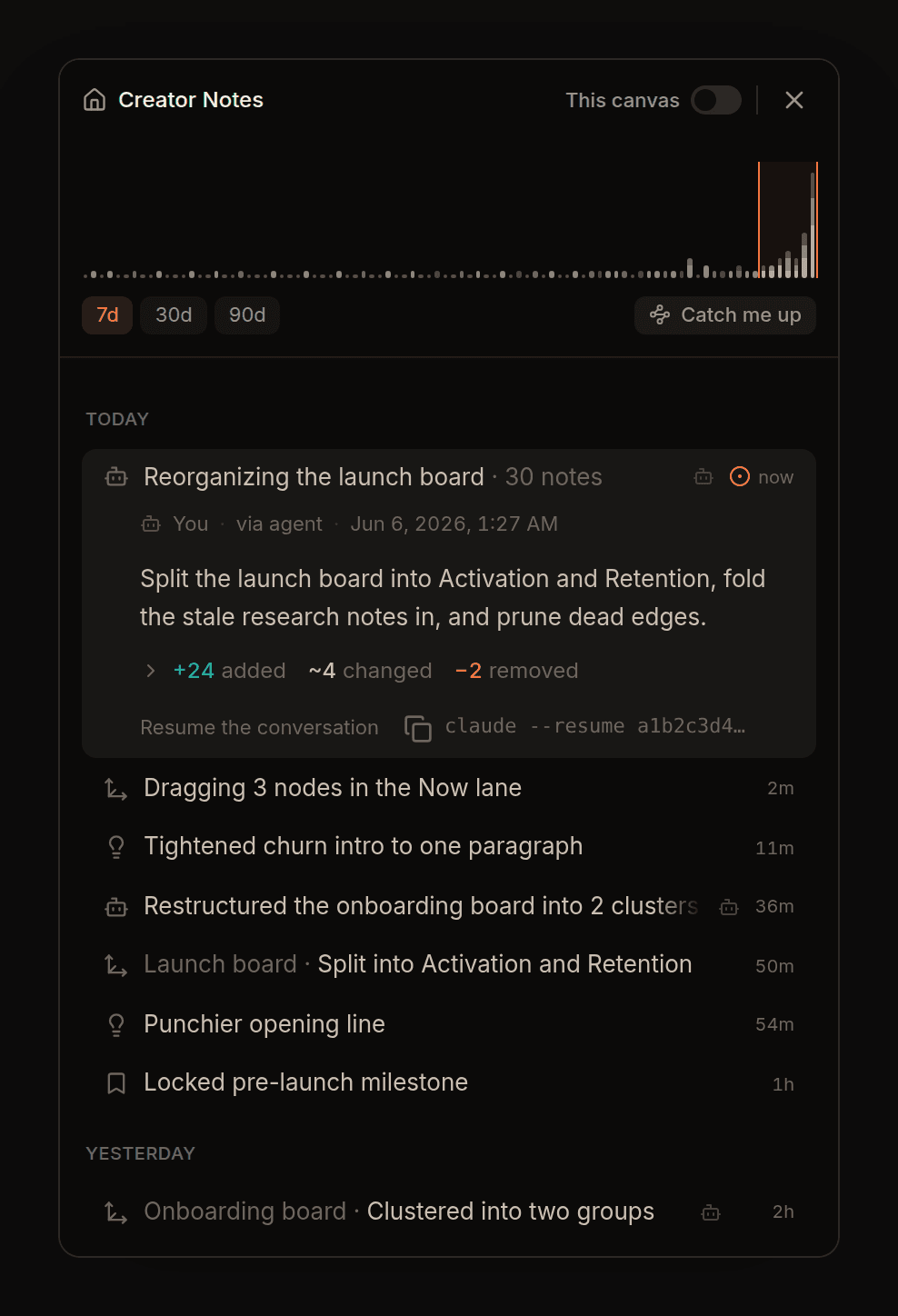
- Every change is kept, along with the reason it changed.
- Provenance
- You can see who or what touched it: you, a teammate, or an agent.
- Atomic
- Each note stands on its own, so it can be reused across projects instead of retyped.
- Searchable
- Find any note by meaning, not just keywords. The timeline and the notes on why each thing changed give search more to grab onto, so the right one surfaces.
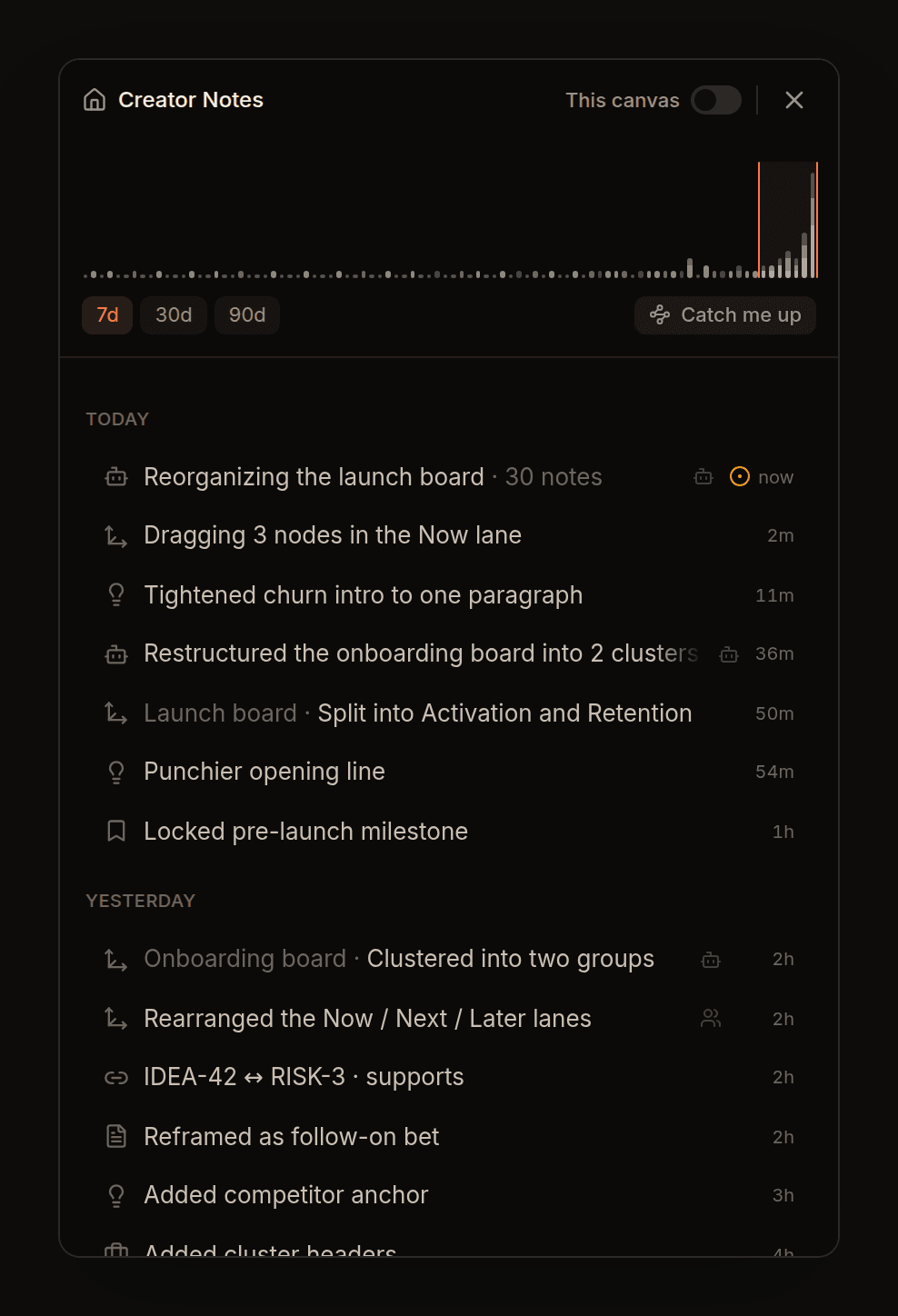
The same list you couldn't search now shows what you did and why. Curated memory you and your agents can trust.
Shared context
One workspace both
people and agents can use.
Both sides start from the same context: the evidence, the assumptions, and the decisions behind the work.
People get
A visual, navigable canvas.
See how evidence, assumptions, and decisions connect, and how the thinking changed over time.
Agents get
Structured context they can query and act on.
Agents read the evidence, inspect the assumptions, and understand past decisions before they do anything.
Both work from the same memory.
No copying context into every chat.
No explaining the same project again.
No losing the reasoning behind the work.
Across every team, all at once
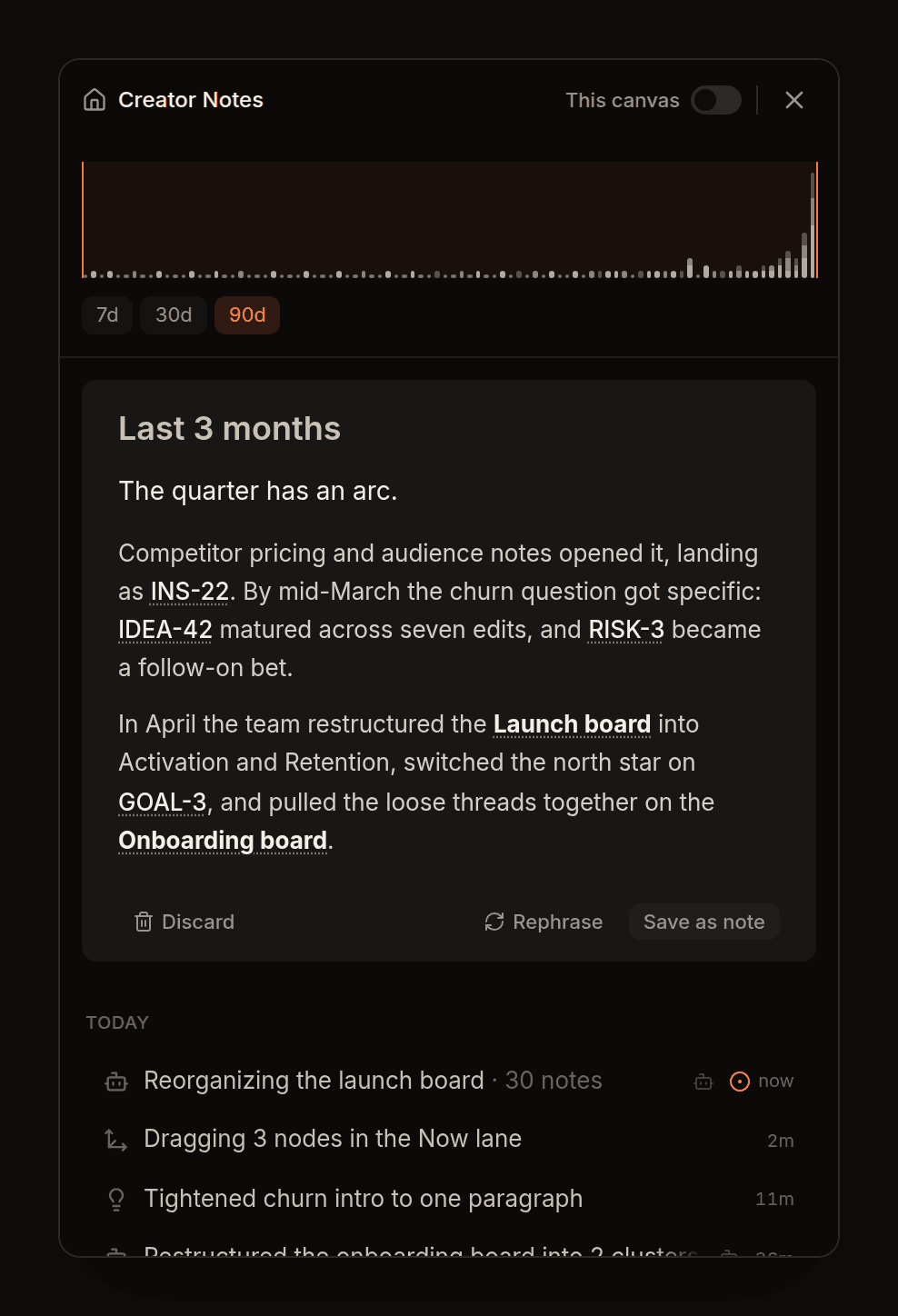
Know what changed before you jump back in.
Pick any window and CreatorNotes turns the timeline into a clear brief, with links to the notes, decisions, and evidence behind it.
No digging through chats.
No asking what happened.
No redoing work someone already did.
How it works
From capture to clarity.
- 01
Capture
Start with whatever you have.
A note, a voice memo, a link, a meeting insight, or a rough idea. No structure required, and you can send it straight from your phone over WhatsApp.
See WhatsApp capture - 02
Find the shape
The system surfaces what matters.
It helps identify the evidence, claims, assumptions, and possible decisions hiding inside the mess.
- 03
Connect
Thinking becomes a living map.
Notes link to their sources, claims, assumptions, and versions. The canvas shows how the work is evolving.
- 04
Continue
Anyone can pick it up.
People see the current state. Agents use the same context to summarize, challenge, update, or act.
Built for the
messy middle.
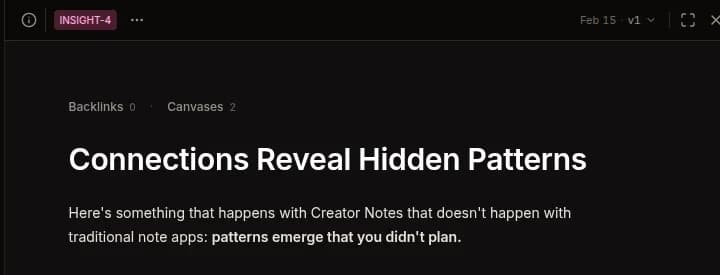
The stretch after the first idea and before the decision is final, while the evidence is still forming and the thinking keeps changing. That is where the work that matters happens.
CreatorNotes keeps all of it in one place,
still there when you or an agent come back.
Is this just another AI chatbot?
No. CreatorNotes keeps the context a chat usually leaves behind. The evidence, assumptions, and decisions stay in the workspace, ready for you or an agent to pick up later. The intelligence lives in your graph, not in a chat box.
Can my agents use it?
Yes, that is the point. You run your own agent, like Claude Code, Codex, or Cursor, and it reads and writes the same workspace from the CLI: notes, relationships, decisions, and version history. It acts on current context instead of a one-off prompt.
Do I need to use the terminal?
The CLI is how your agents read and write the workspace, and the fastest way in if you live in a terminal. You do not have to use it yourself, though. Everything you can do from the CLI, you can do in the browser, on the same workspace and the same data.
Do I have to classify every note?
No. You write naturally. CreatorNotes helps surface the claims, assumptions, and decisions when they matter, and stays out of the way when they do not. You should not have to become a librarian of your own mind.
Give people and agents
the same memory.
One shared place to think, remember, challenge, and decide.
Works with
and any agent with CLI or MCP access